Start with the footage.
Keep the context.
Bring an authorized trailer or promo, captions, and the story and rights references that define what the campaign can reveal.
Catch the reveal before your audience does. See the evidence, choose an editorial response, and check the revised cut before release.
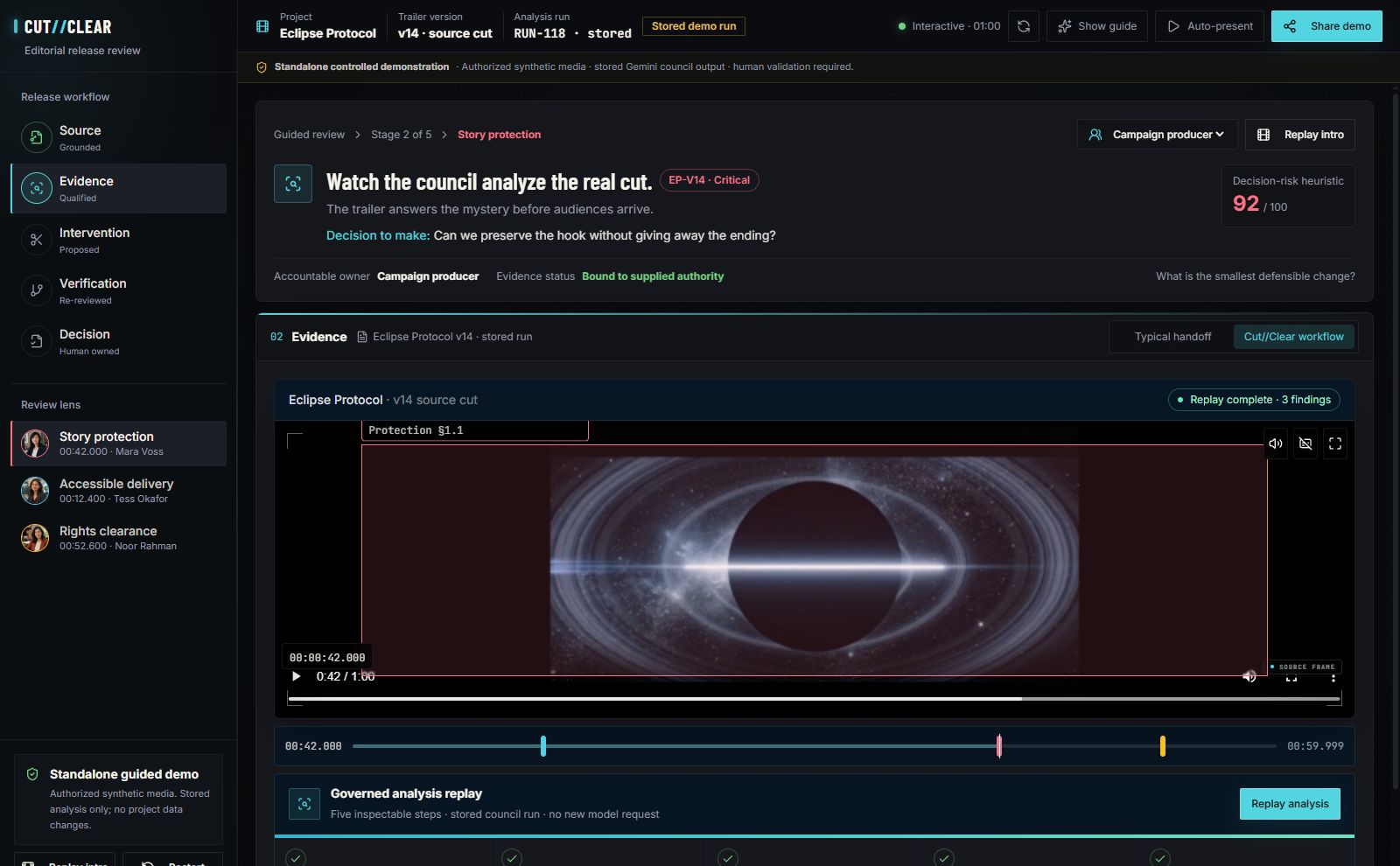
Inspect the source at 00:42 alongside the story-protection finding and its campaign context.
Recommendations inform the edit. Your reviewer makes the release decision.Complete workflow ↗
Move from “this gives too much away” to a specific, reviewable edit. Your team keeps creative control.
Bring an authorized trailer or promo, captions, and the story and rights references that define what the campaign can reveal.
See where a character returns or an ending becomes obvious. Compare editorial recommendations and take timecoded notes back to your editor.
Compare the rendered revision with the source. Review what remains unresolved before a named person makes the release decision.
Your editing software stays part of the process.
Supported formats & editor handoff ↗A character return, an exposed ending, or a music cue cleared for the wrong channel. Choose a format to see the review questions.
Does a reaction, voice or final shot confirm who survives before the audience sees the film?
Explore the guided example ↗A sequence can be safe frame by frame, but reveal survival, identity or allegiance when the moments are combined.
Pilot use cases. The guided example uses a fictional feature-film campaign; performance across formats requires validation with authorized media.
The source, the recommendation, the revision and the human decision—together in a record your team can inspect and share.
Synthetic demonstration. Not a customer result.
Matching guided-demo case · Illustrative report
Inspect the exact moment alongside the source context and the authority behind the finding.
Start with one campaign and three authorized cuts. Bring your team’s review questions. Leave with precise editorial recommendations and a clear decision record.
Plan your first review ↗Yes. The guided synthetic demo uses stored findings and needs no upload or account. Explore the demo ↗
Your accountable reviewer. CUT//CLEAR recommends editorial action; no cut is silently changed, published or approved.
Begin with authorized, non-confidential media. Confidential pilots require an approved workspace, access policy and retention agreement before upload.