CUT//CLEAR INTELLIGENCE / HOW THE ENGINE WORKS
From creative intent
to a release
you can stand behind.
Bring the cut and its context. Inspect the finding. Make a precise change. Verify the revision. Record the human decision.
Follow a cut through review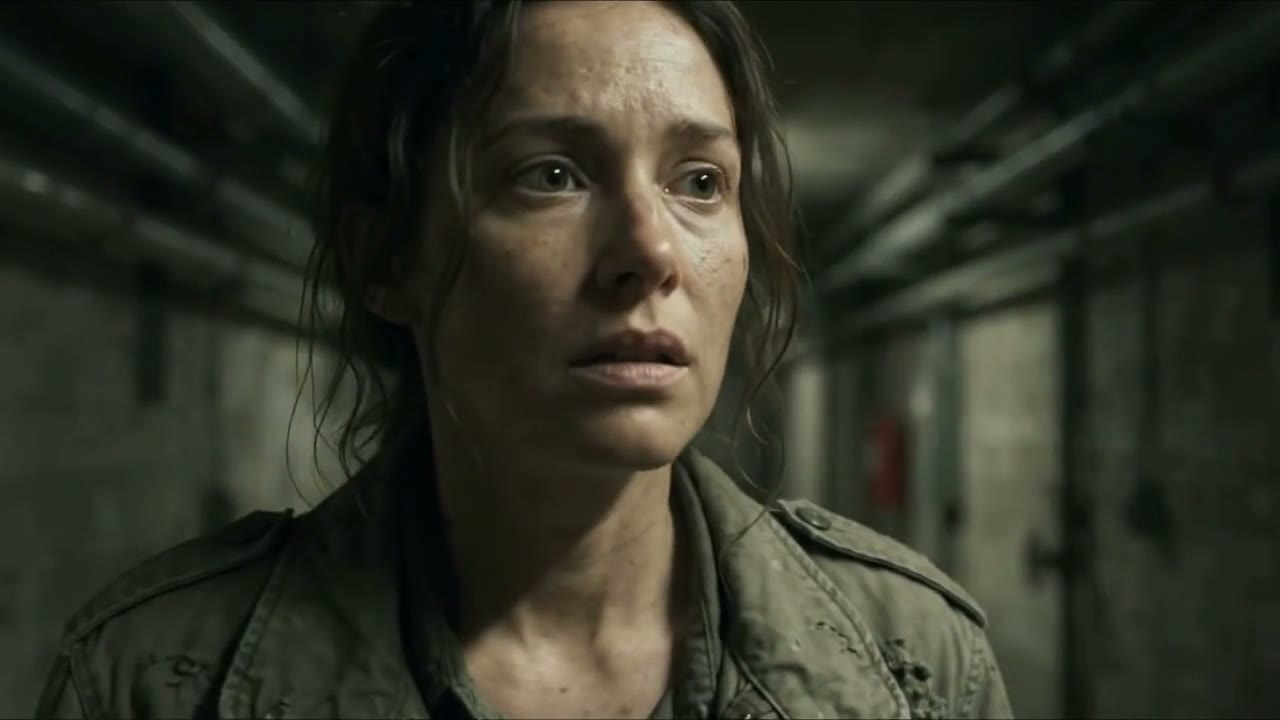
She has a message.
The audience should still have a question.
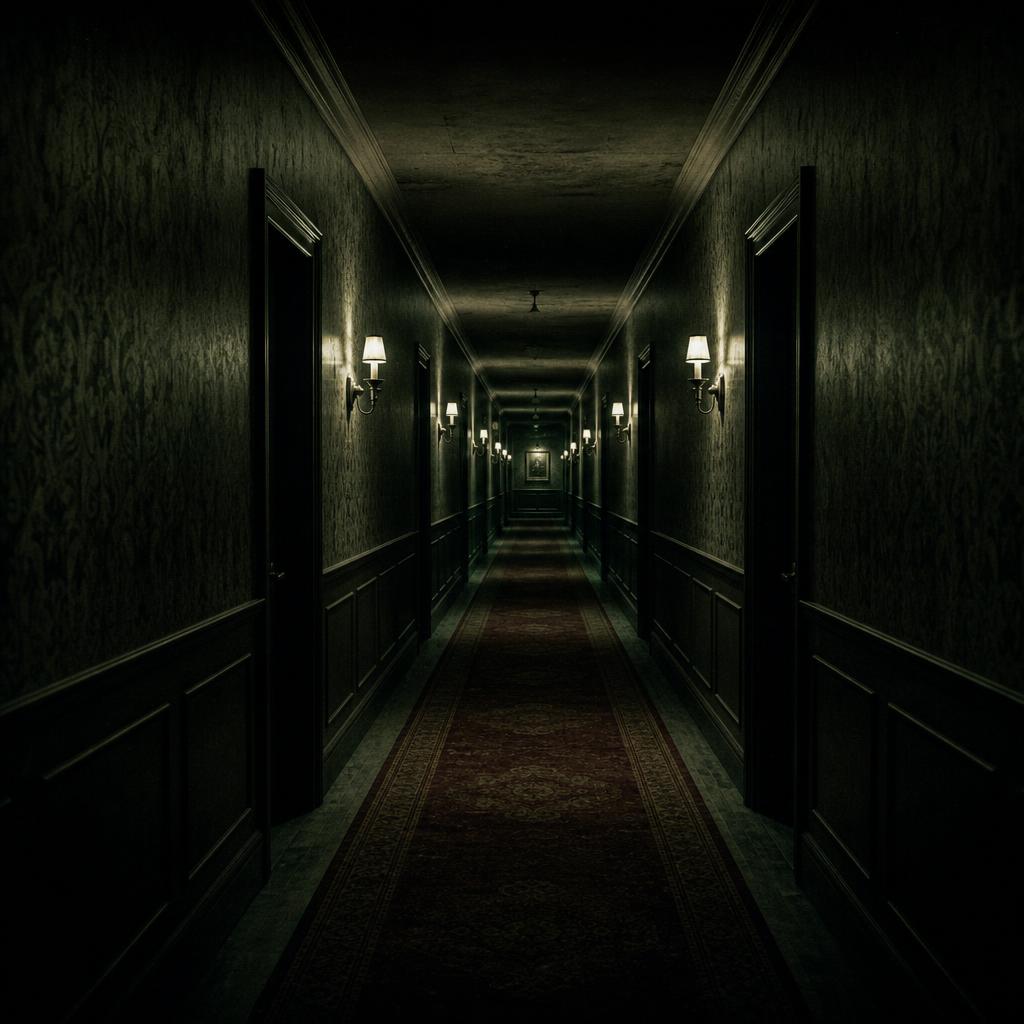 ThrillerStory protection
 DramaRights evidence
 DocumentaryClaims review
 AnimationAccessibility
One story, five review stages. The Last Message uses AI-generated footage supplied for this fictional illustration. The notes below explain the workflow; actual CUT//CLEAR findings for these clips are pending.
Before asking what’s wrong,
define what matters.
A shot can be harmless in a film and give everything away in its trailer. Bring the exact cut and the references that explain what this campaign is allowed to reveal.
You bring an authorized export, its version, story references, release scope and relevant rights conditions. Confirm the review scope with your team.
The Last Message
- The premise
- A message arrives three years after a man disappears.
- The question to preserve
- Who sent it?
- The protected detail
- He is still alive.
Find the moment
that changes the meaning.
Review the picture, dialogue and captions alongside the source context. A useful finding tells you where to look, what it implies and which evidence supports it.
You review timecoded findings and their supporting evidence. Check the reasoning before treating a recommendation as an editorial instruction.
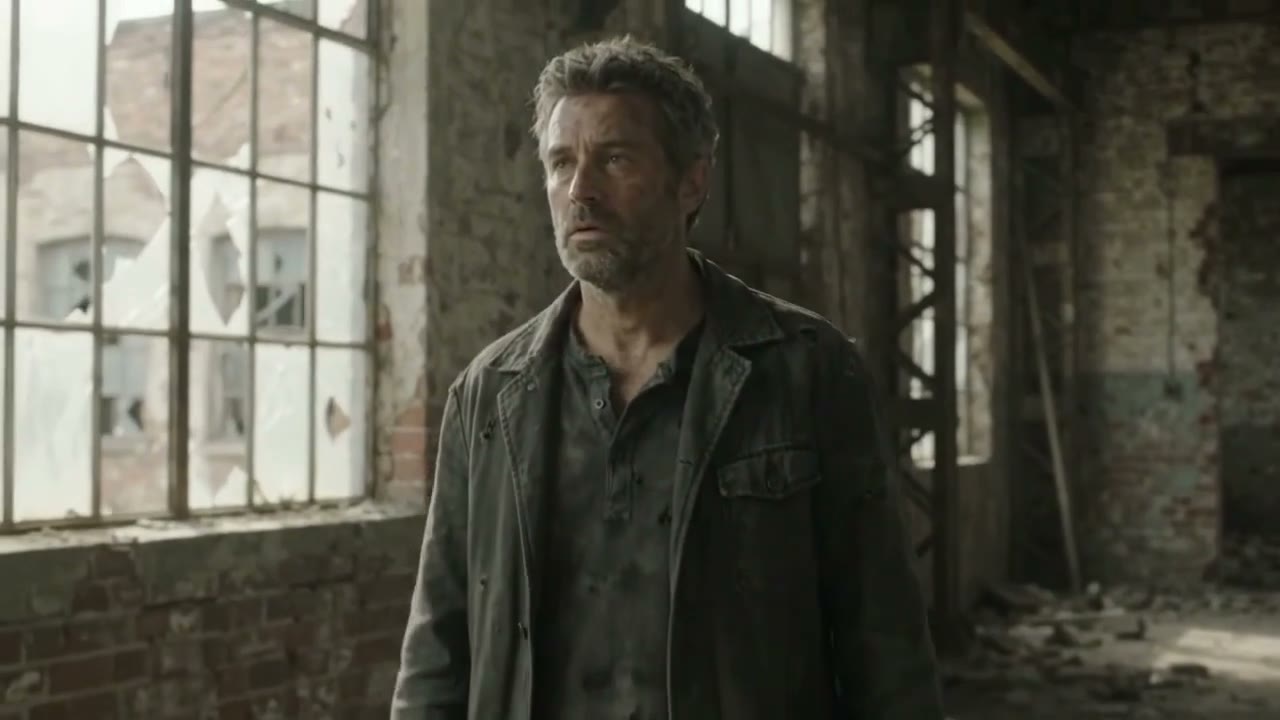
His face answers the question.
The trailer reveals his survival before the audience sees the film.
Change three seconds.
Keep the reason to watch.
The recommendation should be small enough to act on and specific enough to discuss. Here, replace the reveal with her reaction, then cut to black.
Your editor acts in your editing software, using findings and markers as a guide. Render a candidate revision to bring back into review. Fix Lab also offers human-selected remove, shorten, mute-dialogue and obscure-identity operations, followed by rendering and a fresh specialist review.
Hold her reaction for two seconds.
One second of black. Keep the sound.
A change made
isn’t a change verified.
Bring the rendered revision back for a separate review. Compare it with the source: what was resolved, what remains, and did the new cut introduce another issue?
You inspect the source-to-revision comparison and remaining conditions. An edited frame alone is not evidence of a completed review.
- 01
Did we remove the reveal?
Check the revised picture, dialogue and captions.
- 02
Does the cut still work?
Assess what the audience can infer from the remaining clues.
- 03
What is still unresolved?
Carry open story, rights or delivery conditions forward.
The final call
has a name behind it.
Your reviewer decides what is acceptable for the agreed release scope. Keep the reviewed version, evidence, remaining conditions and human disposition together.
You take away an inspectable review and decision record. Approved releases receive a signed, version-bound manifest and verification package. CUT//CLEAR recommends; your team owns the release decision.
One cut.
Its evidence.
A clear next step.
For the editor making the change.
For the producer weighing the tradeoff.
For the reviewer making the call.
Bring a cut.
Take back clarity.
Review supports the edit. Your editing software remains where you make the creative changes.
What can I bring in?
Authorized video exports: MP4, MOV, M4V, WebM and MXF. Caption sidecars: VTT, SRT, TTML/IMSC, DFXP, XML and SCC.
Include approved story, release and rights references. Container support does not guarantee every codec configuration; confirm your media and timebase during the pilot.
What goes back to my editor?
Documented export options include CSV findings and markers, FCPXML, EDL, and VTT/SRT timed notes and captions.
Validate imports in your target editor. Effects, metadata and caption styling may not carry across. Export and render the revision from your editing software before reviewing it again.
Does it connect to Premiere or Resolve?
The Premiere UXP panel and Resolve utility script support timeline context and finding markers as pilot integrations. Both require setup and validation on the editor’s workstation before studio use.
OTIO, AAF and ALE adapters are planned, not available as supported round trips.